

What Makes a Great Manager?

10 Lessons from Google’s Project Oxygen Research A company’s success depends on more than hiring talented employees. Even the most capable professionals can struggle under ineffective management, while strong leadership can help individuals and teams reach their full potential. But what actually makes someone a great manager? Google set out to answer this question […]
The Hidden Cost of Rework – Do It Once, Do It Right

In any organization, time is one of the most valuable resources available. Yet a surprising amount of that time can be lost correcting mistakes, repeating tasks, and revisiting work that should have been completed correctly the first time. This is known as rework, and although it may seem like a minor inconvenience, its cumulative impact […]
Troubleshooting Content Sharing Issues on Video Conferencing Room Systems

Troubleshooting Content Sharing Issues on Video Conferencing Room Systems Content sharing is an essential feature of video conferencing room systems, allowing participants to share presentations, documents, and computer screens during meetings. However, problems can occur when shared content fails to display, replaces the main camera feed, or appears as a black screen. These issues are […]
Windows 11 Setting Precedence: Group Policy, Registry, Intune, and Local Settings
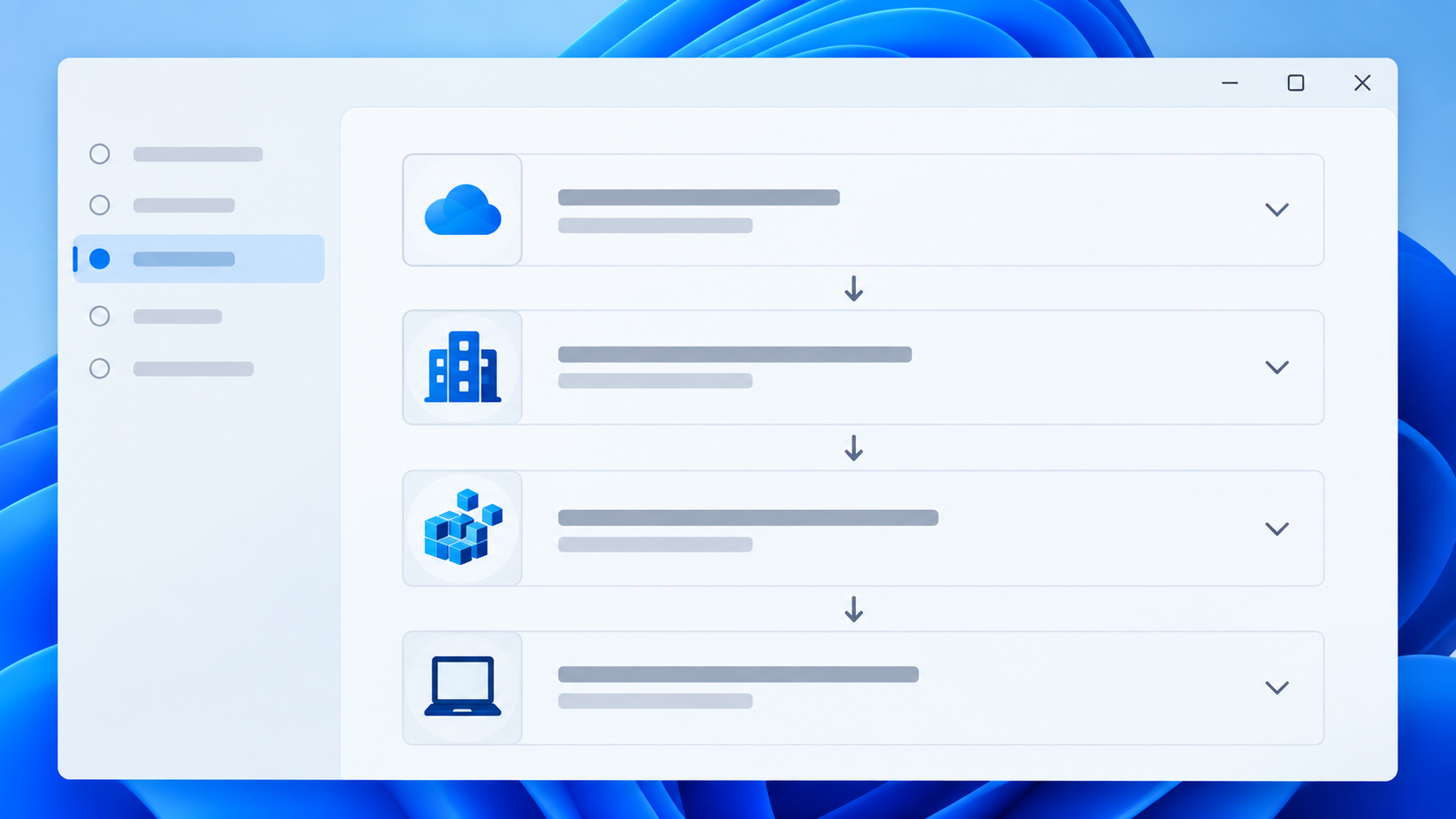
Windows settings can be configured through Active Directory Group Policy, Local Group Policy, Microsoft Intune, the Windows registry, PowerShell scripts, Windows Settings, application configuration tools, and other management systems. When two sources configure the same setting differently, the result depends on the type of setting and how Windows processes it. There is no single override […]
WSReset – What it is and How to Use it
wsreset.exe is a built-in Windows command-line utility used to clear the Microsoft Store cache and troubleshoot problems with the Microsoft Store. The executable is located in: C:\Windows\System32\wsreset.exe WSReset can be useful when the Microsoft Store experiences problems such as: The Microsoft Store will not open. Apps will not download. App downloads or updates become stuck. […]
10 Different Ways to Start Task Manager
There are multiple ways to access Windows Task Manager. Below is a list of the different methods that can be used, in the event that one or more are not working for you. Press Ctrl + Shift + Esc to open Task Manager directly. Press Ctrl + Alt + Delete, then select Task Manager. Press […]
How to Repair Microsoft Edge WebView2 Runtime in Windows 11
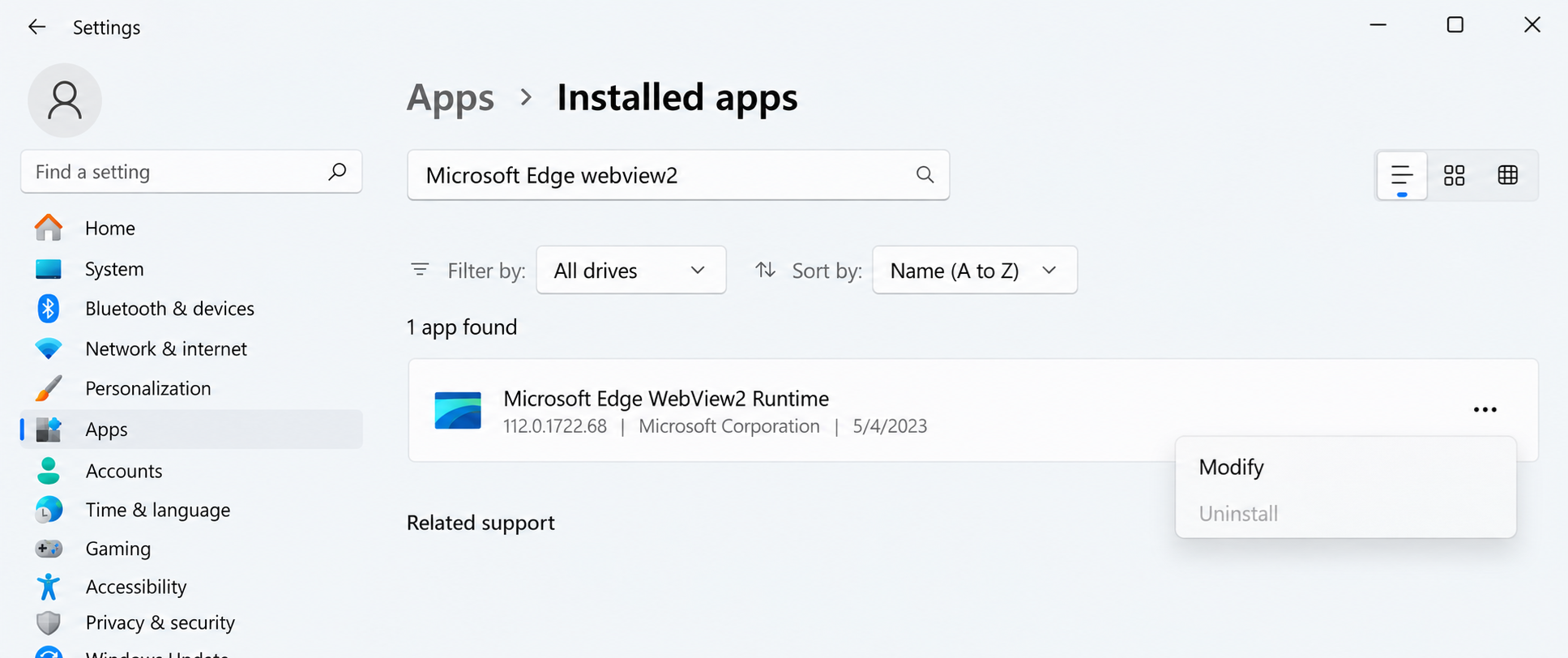
Microsoft Edge WebView2 Runtime is a component included with Windows 11 that allows applications such as Microsoft Teams, Outlook, Microsoft 365 applications, Windows Widgets, and many third-party programs to display web-based content within their interfaces. If WebView2 becomes corrupted, outdated, or unable to start correctly, applications that depend on it may fail to open, display […]
What Is the UUP Dump Website and How Does It Work?
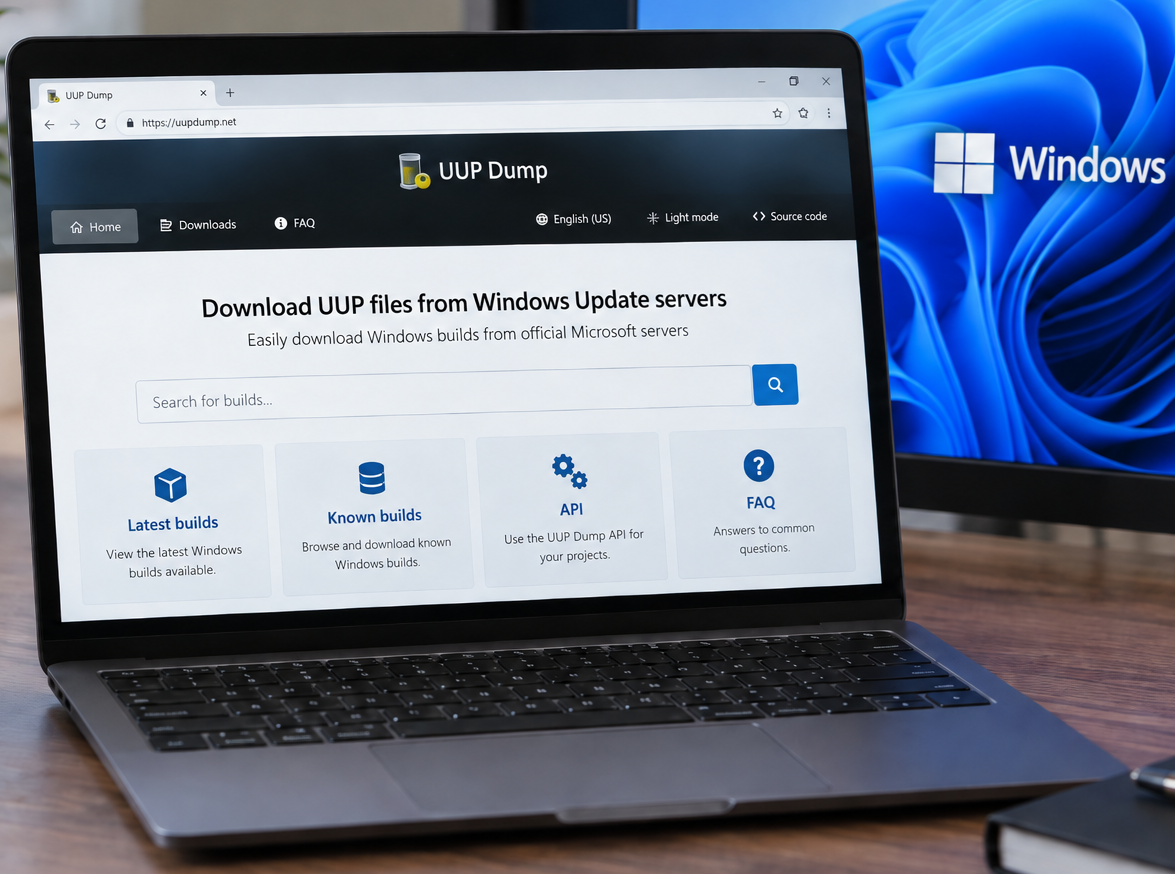
You can access the UUP Dump website here: https://uupdump.net/ UUP Dump is a third-party website that allows users to create Windows installation media (ISOs) using files downloaded from Microsoft’s Windows Update infrastructure. It can be particularly useful when you need a specific Windows 10 or Windows 11 build that is not readily available through Microsoft’s […]
How to Check if 32-bit or 64-bit Microsoft 365 Apps Are Installed
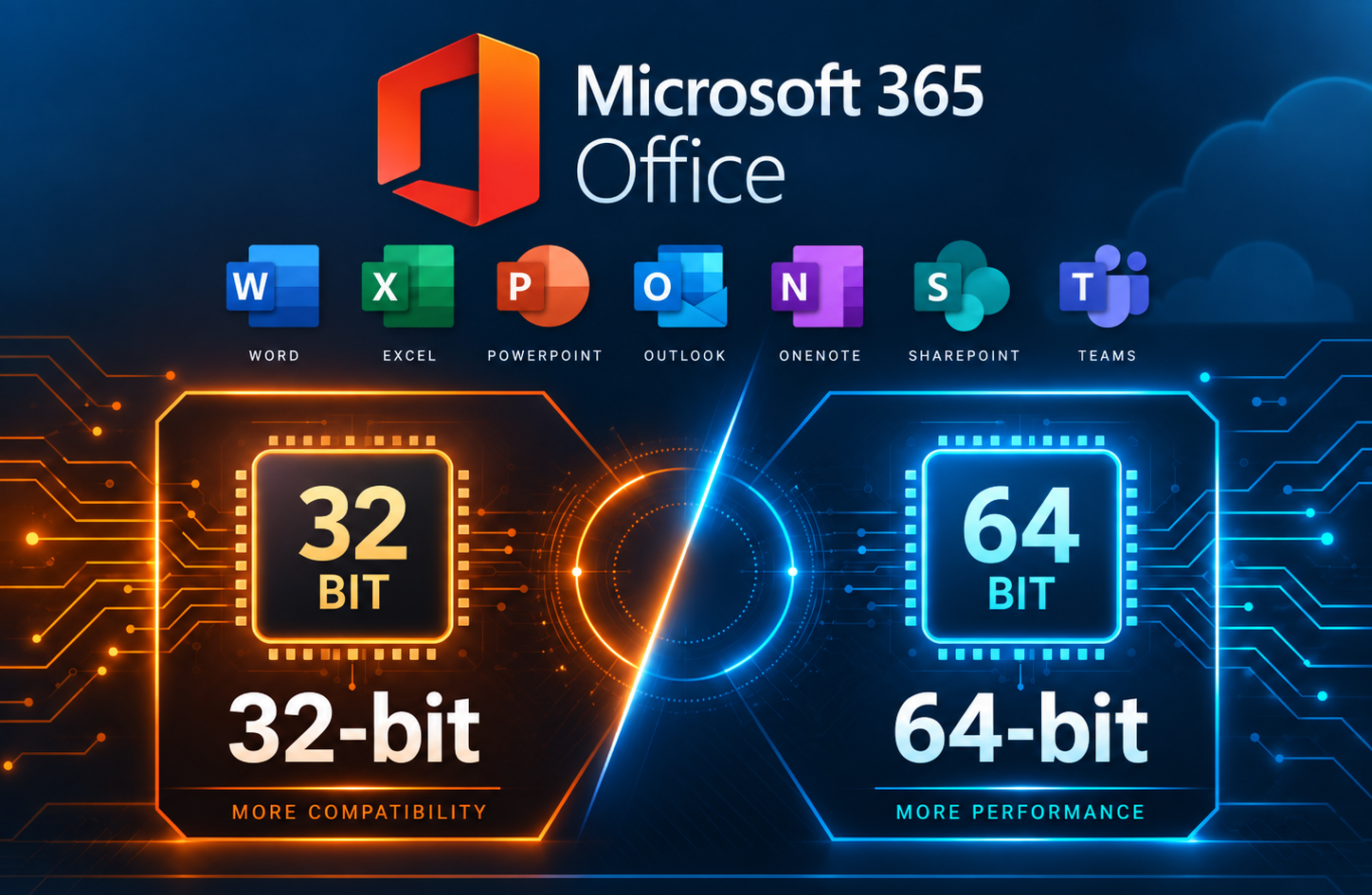
When troubleshooting Microsoft 365 Apps, you may need to determine whether the installed version of Office is 32-bit or 64-bit. This can be important when working with Office add-ins or other software that depends on specific installed Office versions. This method is especially useful when Microsoft 365 Apps are not activated, since the Office applications […]